What it does
Everything iTunes used to, minus iTunes
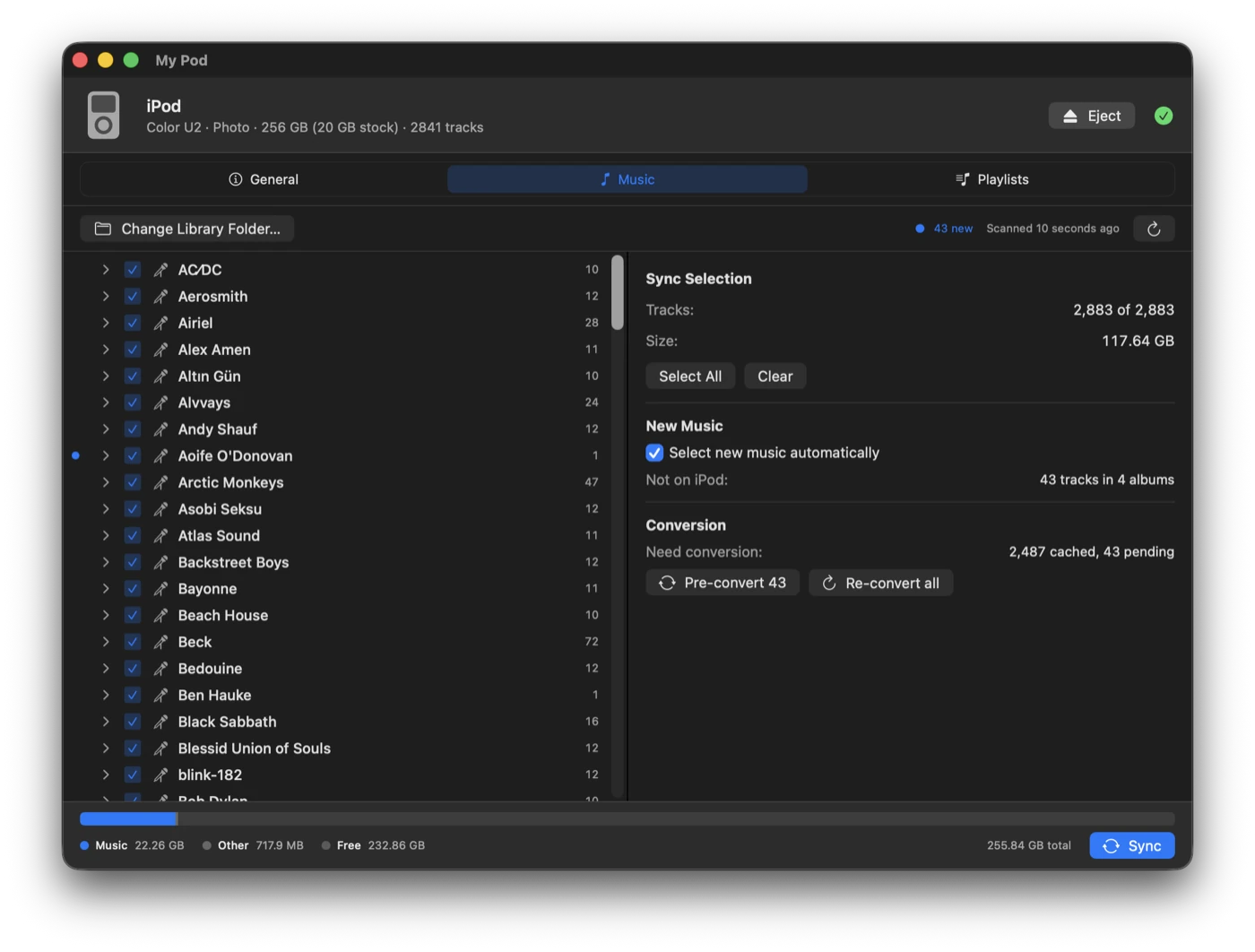
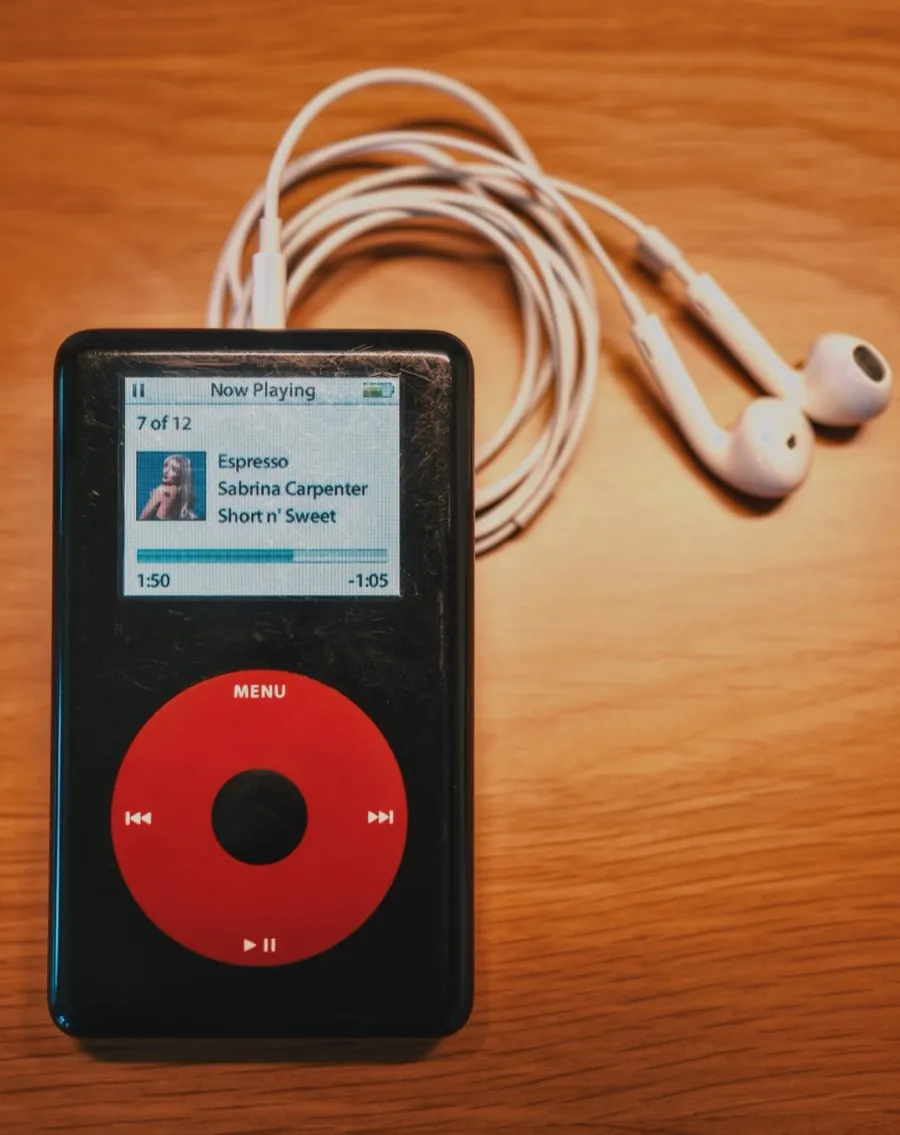
Apple dropped iPod support from macOS years ago. My Pod puts a native SwiftUI interface on top of libgpod, so a click-wheel iPod can still be kept in step with a music library on disk.
-
It notices the iPod
Plug it in and the device is picked up the moment it mounts. No pairing, no setup step.
-
Your folders, mirrored
Point it at an
Artist/Album/Tracklibrary and tick what you want. Syncing is a two-way mirror: checked music is added, unchecked music is removed. -
New music surfaces itself
Anything not yet on the iPod gets a marker, rolled up onto album and artist rows. It can check new albums for you automatically — newest first, for as long as there’s room.
-
Conversion you don’t manage
FLAC, OGG, Opus, WMA and APE are converted to 256 kbps AAC, and the iPod plays that copy — the originals stay untouched. Each conversion is cached beside its source, so a file is only ever encoded once.
-
Cover art that shows up
Artwork is found per album and written into the iPod’s database as properly rendered thumbnails.
-
Playlists as plain files
Backed by ordinary
.m3ufiles you can edit anywhere, with a drag-and-drop editor built in.
A sync, start to finish
Nothing is written until you say so
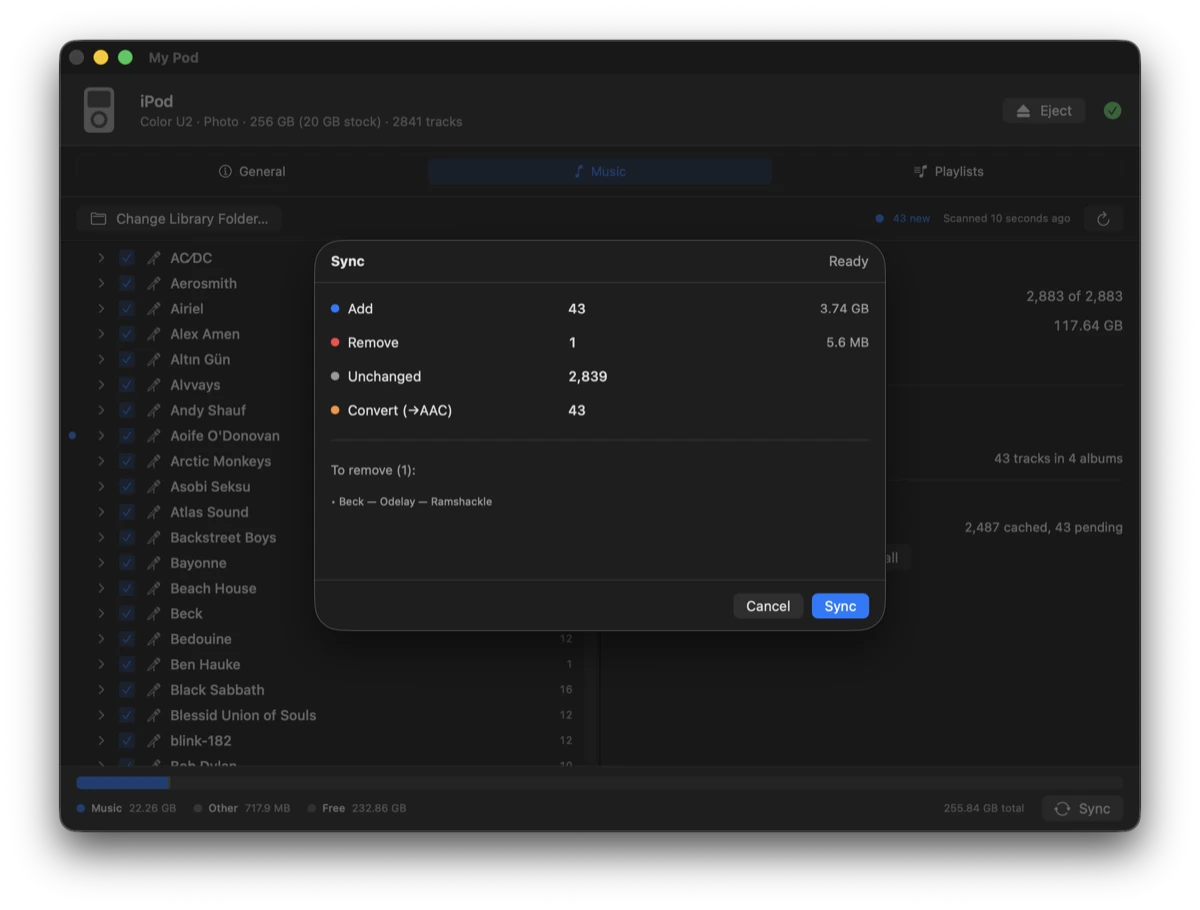
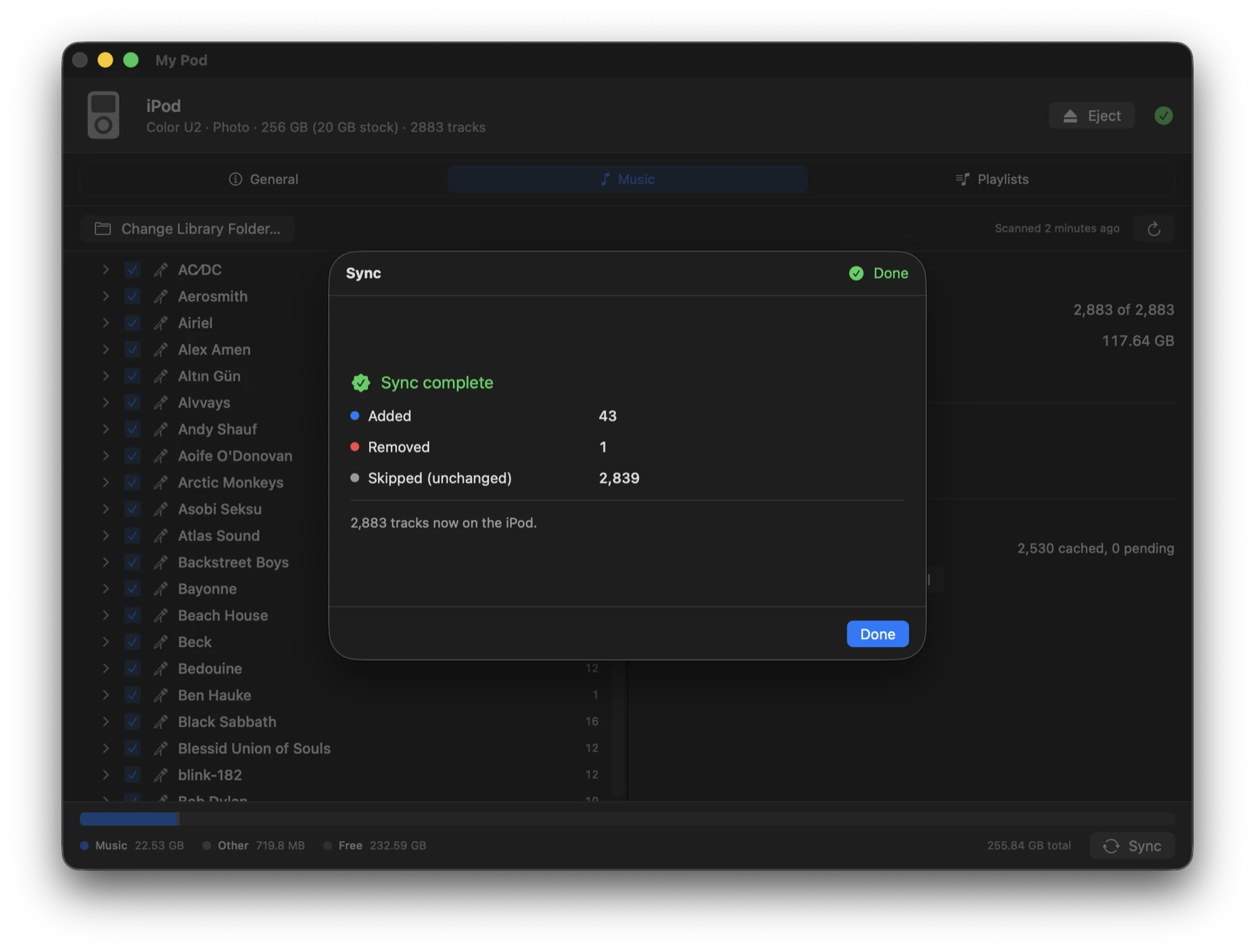
Every sync opens with a plan of exactly what will change. Each phase after that reports its own progress and can be cancelled — cancelling finishes the track in flight and saves what’s already done, so the iPod is never left half-written.
-
01
Review
What gets added, removed, left alone, and transcoded.
-
02
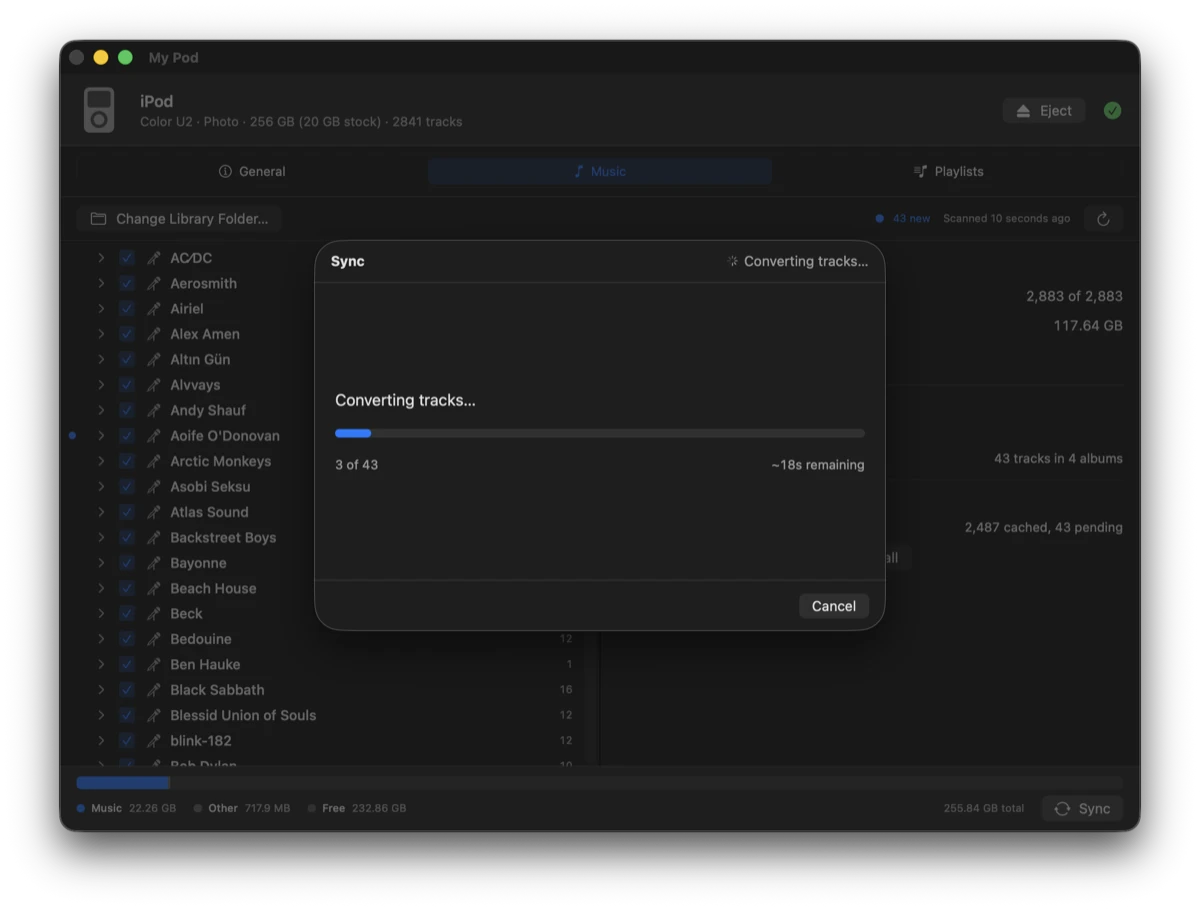
Convert
Only what isn’t already cached, with a running estimate.
-
03
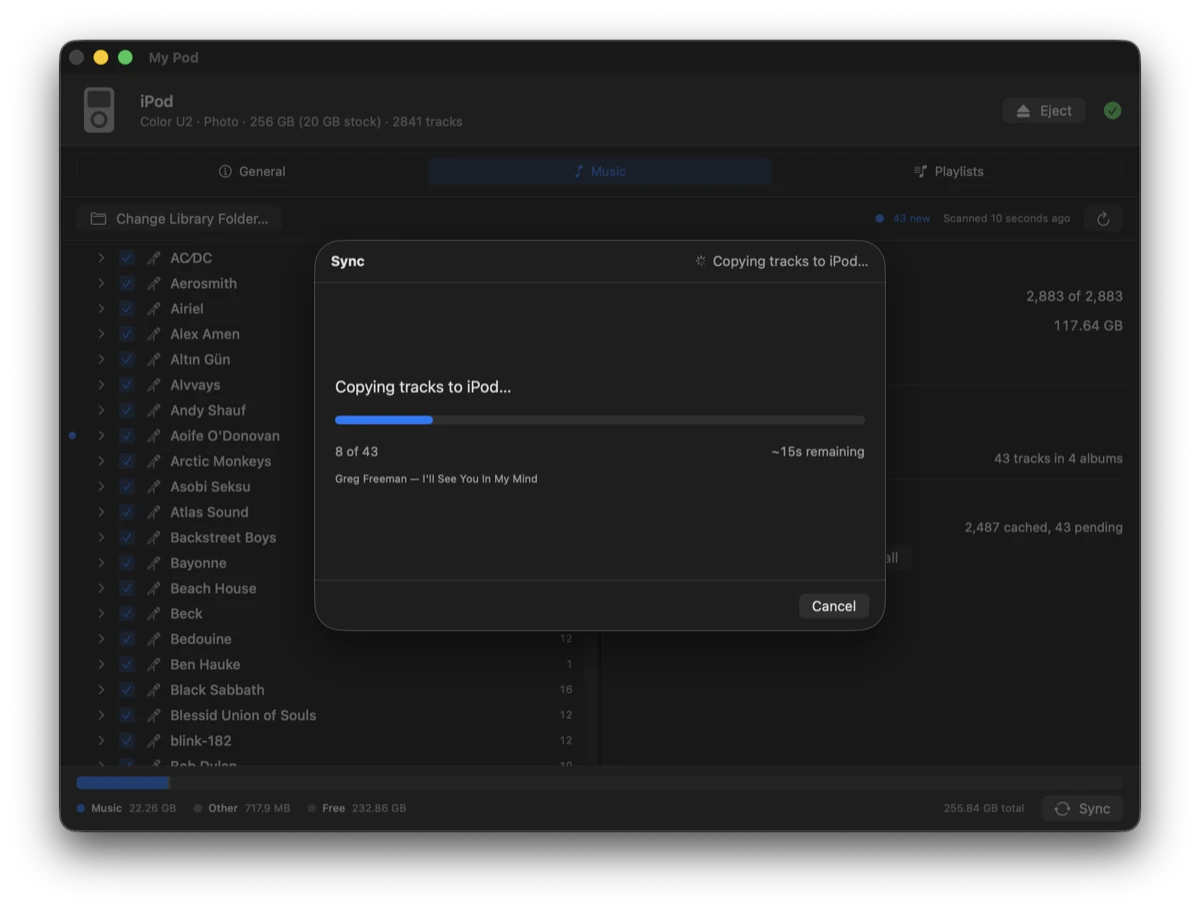
Copy
Track by track onto the device, naming each as it goes.
-
04
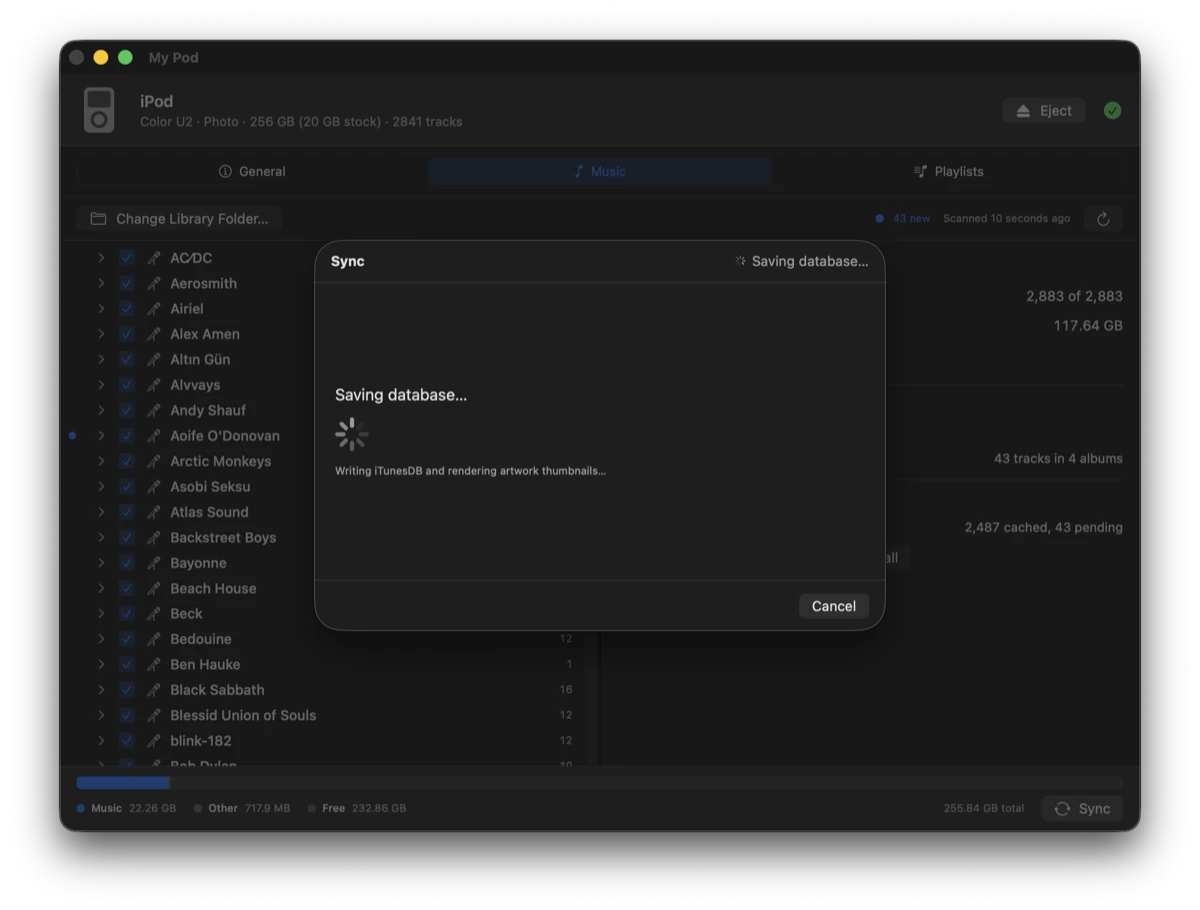
Save
Writing the iTunesDB and rendering artwork thumbnails.
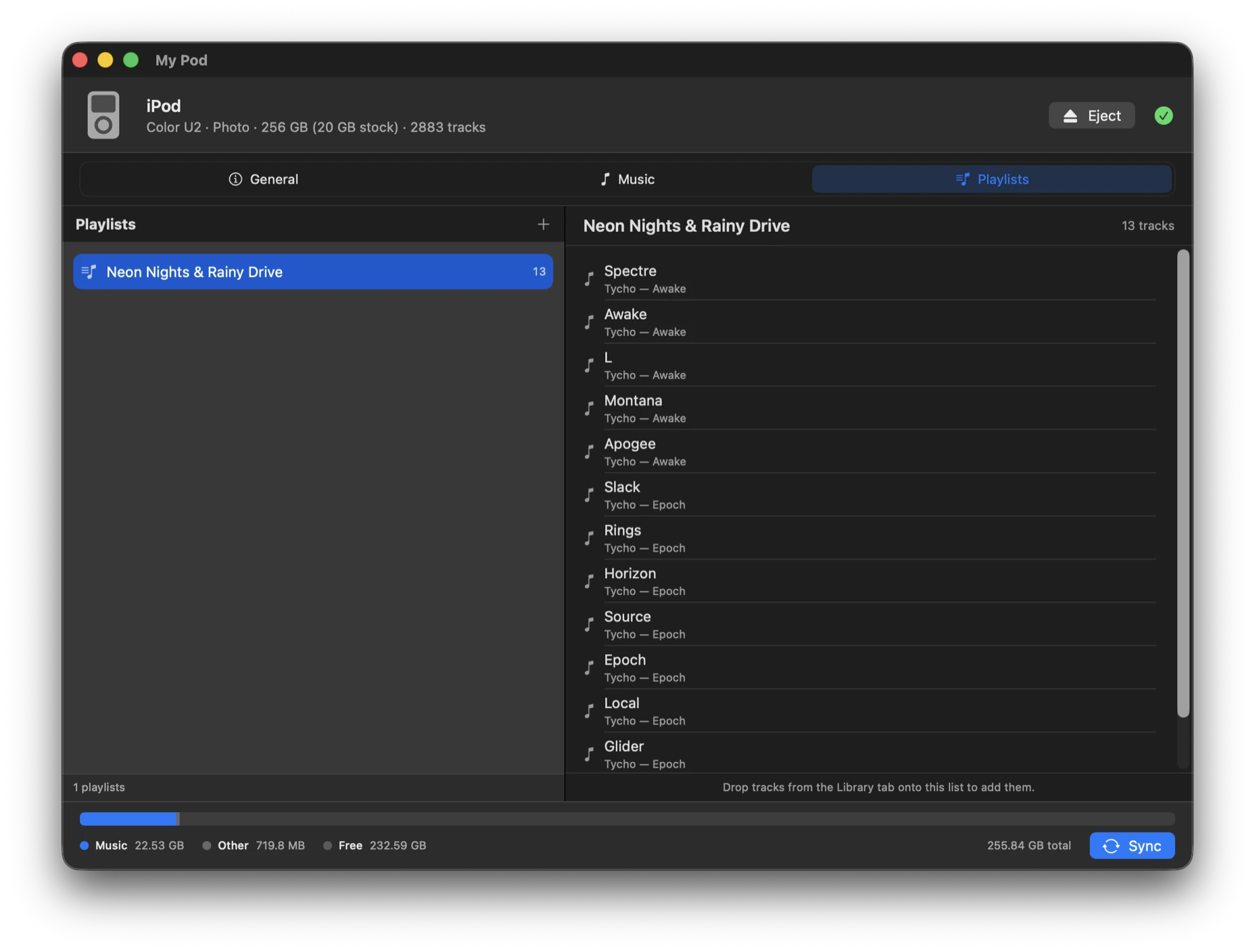
Playlists
Ordinary files, not a database
Playlists are plain .m3u files in a folder you control, so
anything can read them and they outlive the app. Drag tracks across from the
library to build one, reorder by dragging, and they sync to the iPod as real
playlists.
The device
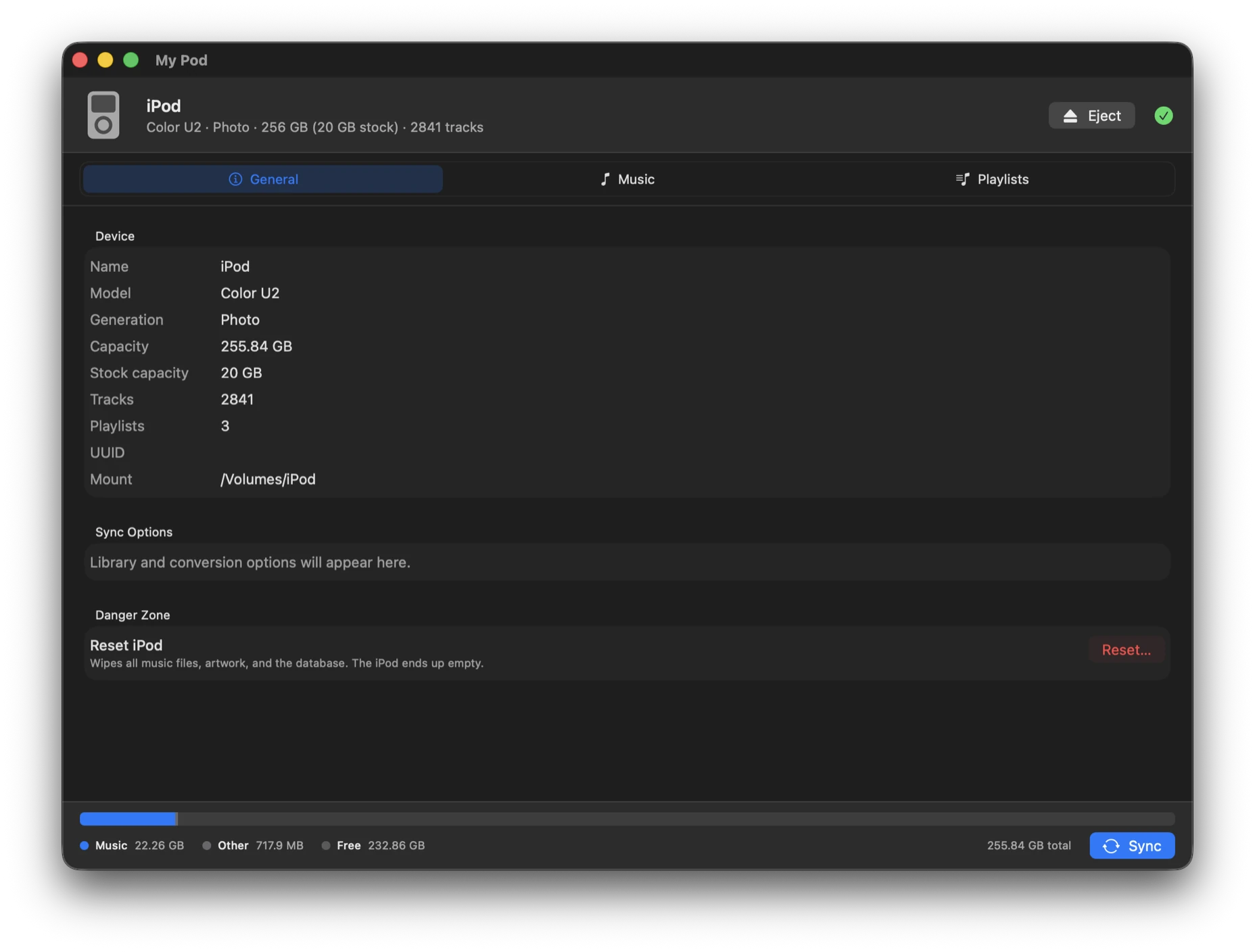
What’s actually plugged in
Model, generation, capacity, and where it’s mounted. On an iPod whose original drive has been swapped for a CF card or SSD, the installed capacity and the model’s stock size are both shown, because they disagree.
Getting it running
Build it yourself
There’s no signed release — you build from source. One script fetches nothing and downloads nothing: libgpod is vendored in the repository and compiled locally.
Requirements
- macOS15.7 or later
- Xcode26 or later
- Homebrewfor glib and pkg-config
Build
# dependencies
brew install glib pkg-config

# first build only — generates libgpod's
# configure script
brew install autoconf automake libtool \
             gtk-doc intltool

# build and launch
git clone https://github.com/jbartolozzi/My-Pod.git
cd My-Pod
./build.sh